How to buy tickets
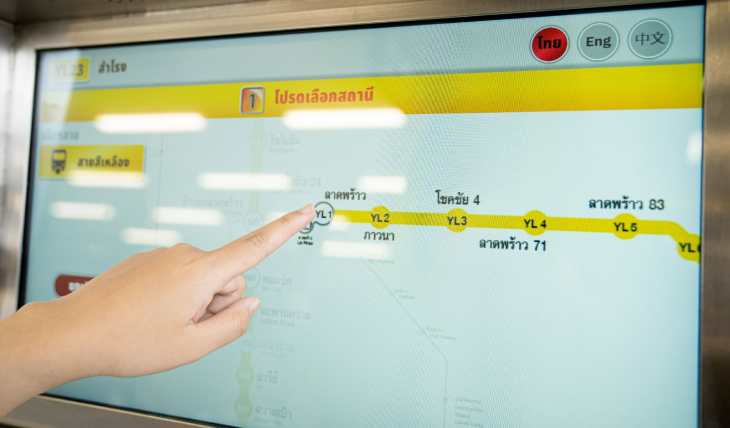
Step 1
Touch on the screen to select Line. The Route map show then fine your destination Station. Select destination by pressing on the circular area of station code. In case of wrong selection, press the cancel button and select station again.
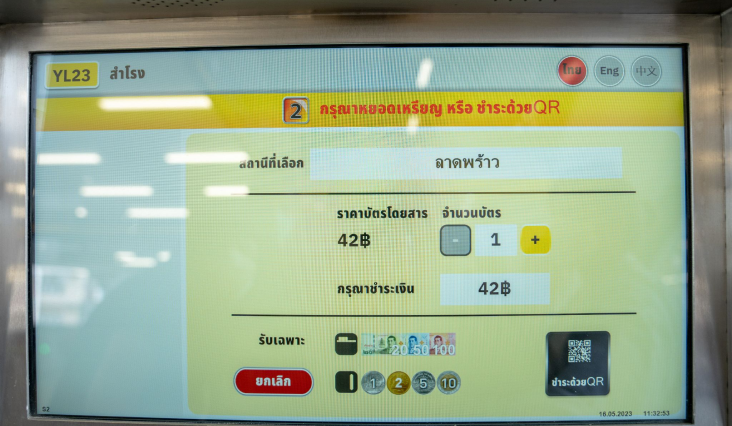
Step 2
Select number of tickets. Ticket Machine issue a maximum of 10 cards. If no quantity selected, then 1 card will automatically be dispensed.
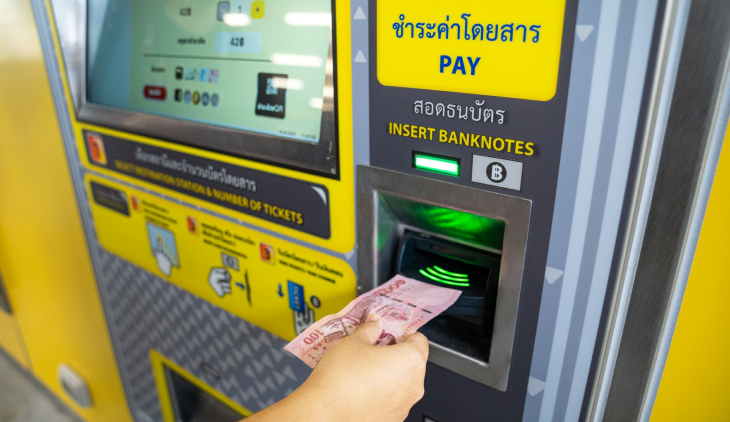
Step 3
There are two ways to make a payment.
3.1 Insert coins or banknote.
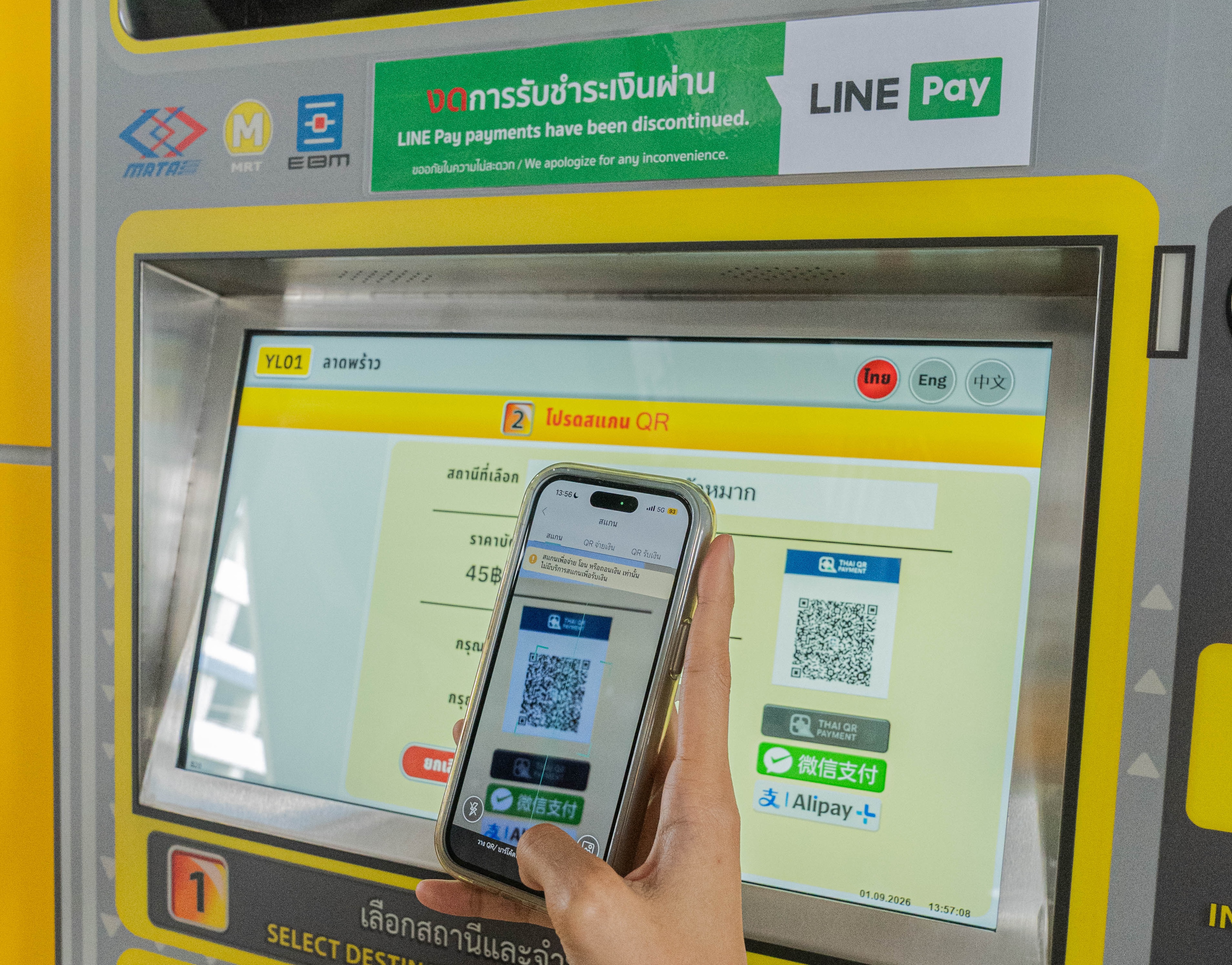
3.2 Scan QR code. While waiting the queue, passengers should open application and be ready for transaction. Passenger can make a payment via at WeChat, Alipay or any Mobile Banking application.
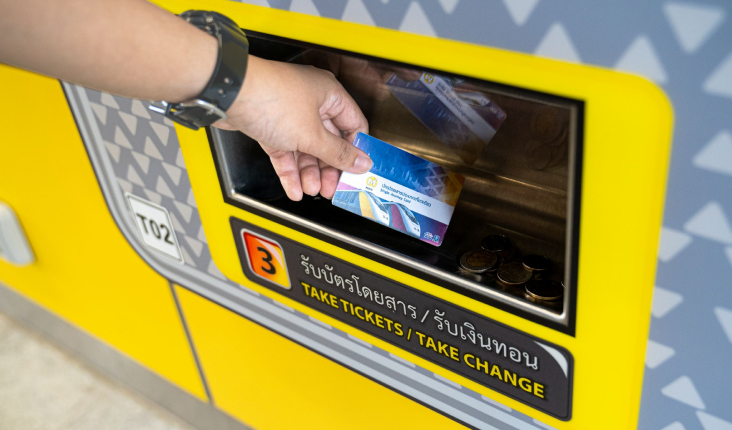
Step 4
Take ticket from tray below and receive change (if any)